
Follow a learning path
Work through the courses of a learning path you were assigned, in the right order, and see how close you are to finishing.
- 1
Open your learning paths
Select Learning Paths in the left menu. My Learning Paths shows each path with its status and progress, such as 1 of 3 required courses completed.
- 2
Open a path
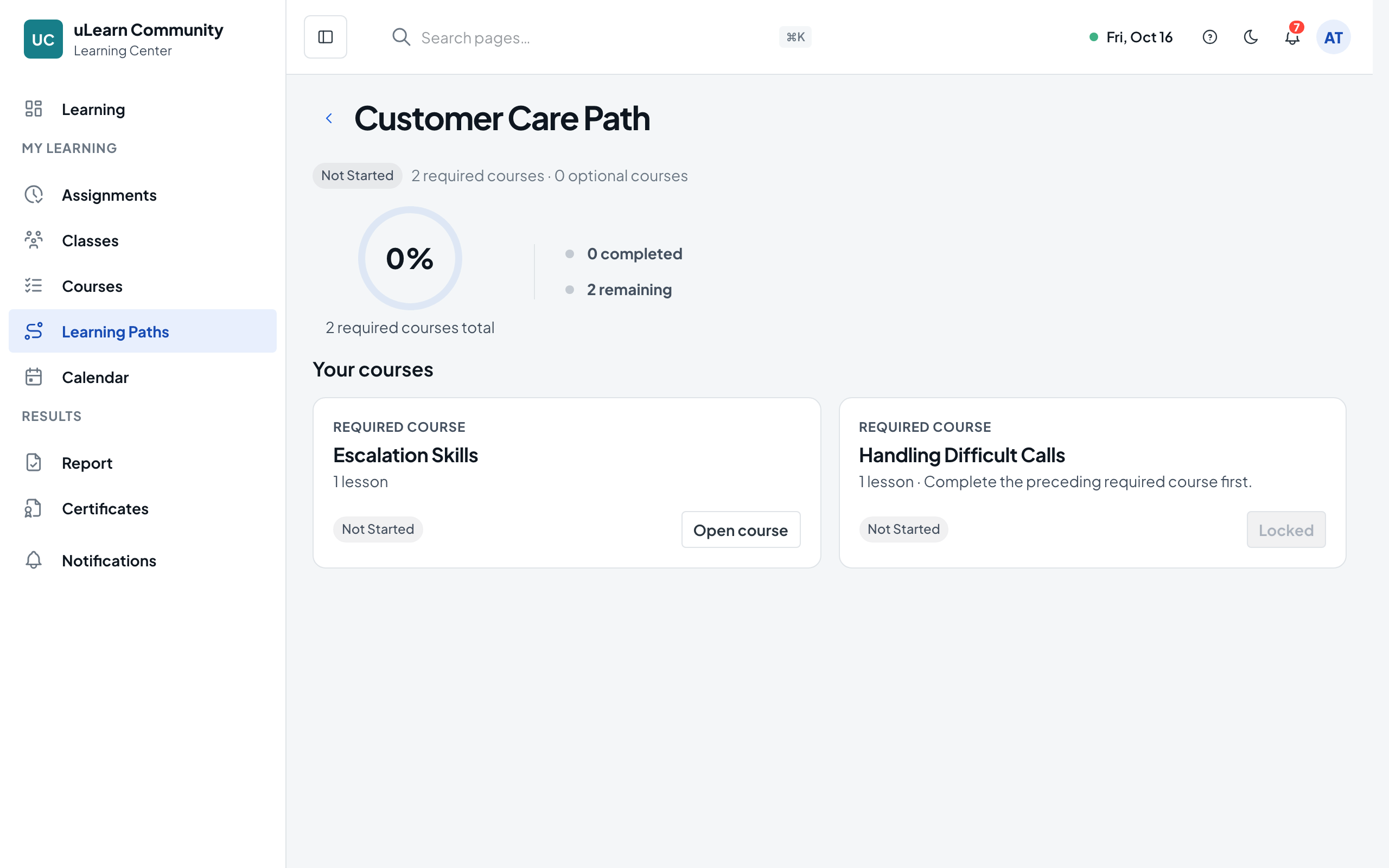
Select Open Path, or Continue if you have started. The path page shows Learning path progress, how many required courses are completed and remaining, the due date if there is one, and Your courses.
- 3
See which courses count
Each course card says Required course or Optional course, with its number of lessons. Your path progress counts the required courses.
- 4
Follow the order
In a path that unlocks in order, a required course stays Locked until you complete the one before it, and its card says Complete the preceding required course first. A course that starts later shows Starts later with its start date.
- 5
Open a course
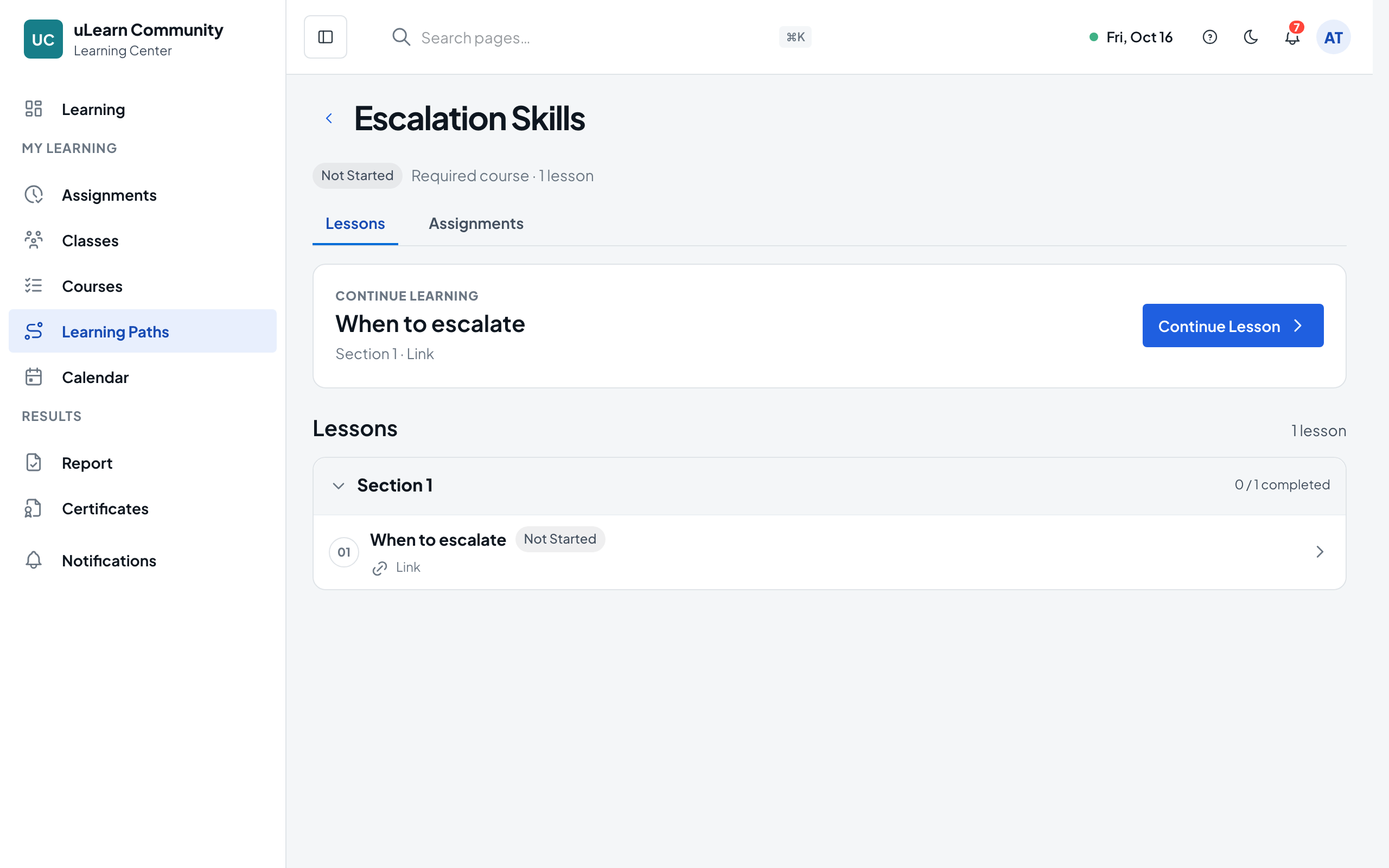
Select Open course. The course has a Lessons tab, where Continue Lesson opens your next lesson in the player, and an Assignments tab with the work to hand in for that course.
- 6
Return to the path
Select Back to Path Courses to see the path again; when you finish a required course, the next one unlocks. Back to Learning Paths returns to your list.