Create your organization’s learning center
Set up a private Organization learning center for your school, company or organization, with its own address and sign-in. You become its first administrator.
- 1
Open the sign-up form
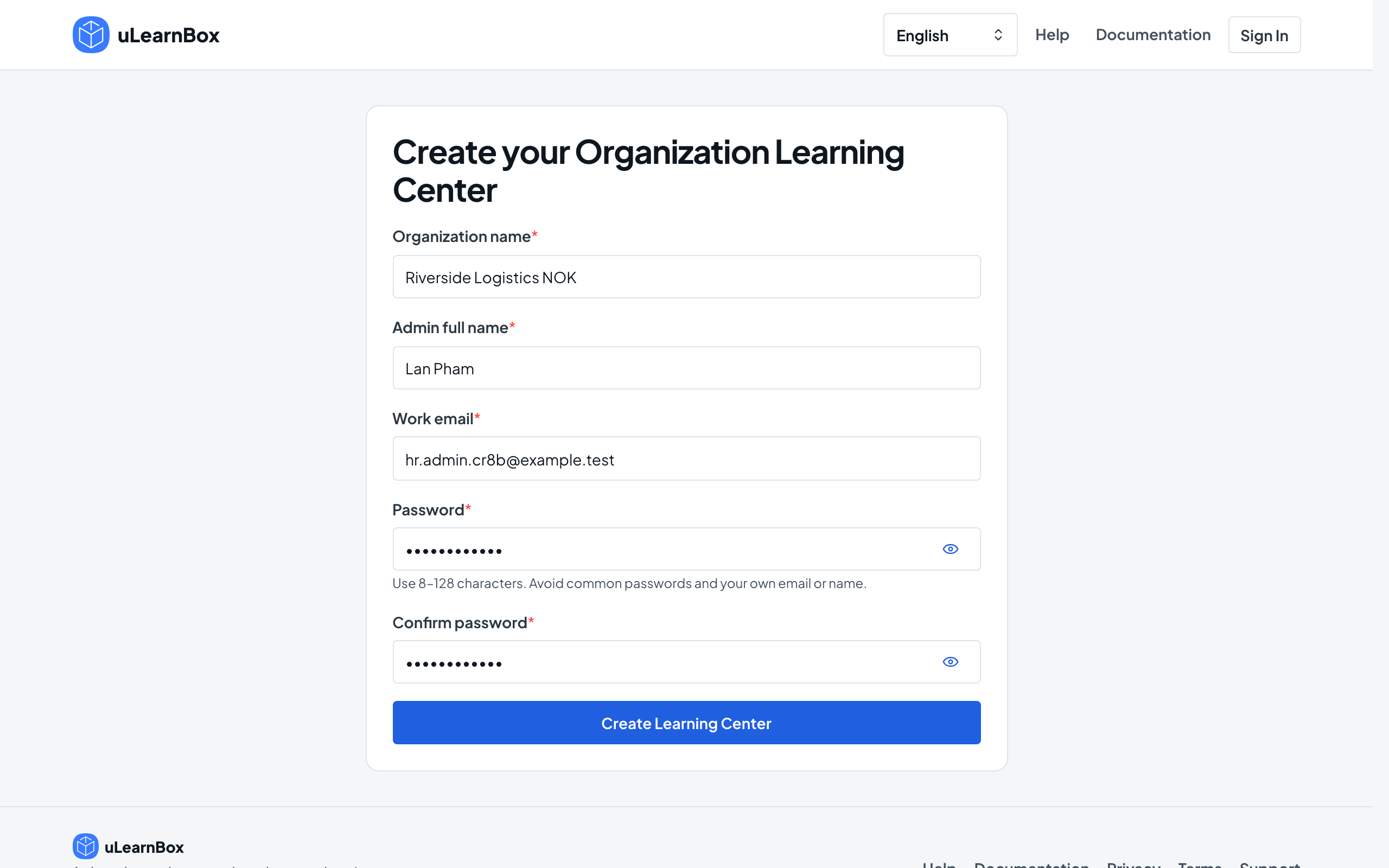
Choose Get started on this website, or Create Organization Learning Center on the uLearnBox home page. The Create your Organization Learning Center form opens; you do not need a uLearnBox account first.
- 2
Enter your details
Fill in Organization name, Admin full name, Work email, Password and Confirm password, then select Create Learning Center. Use a work email that can receive a verification link.
- 3
Note your address
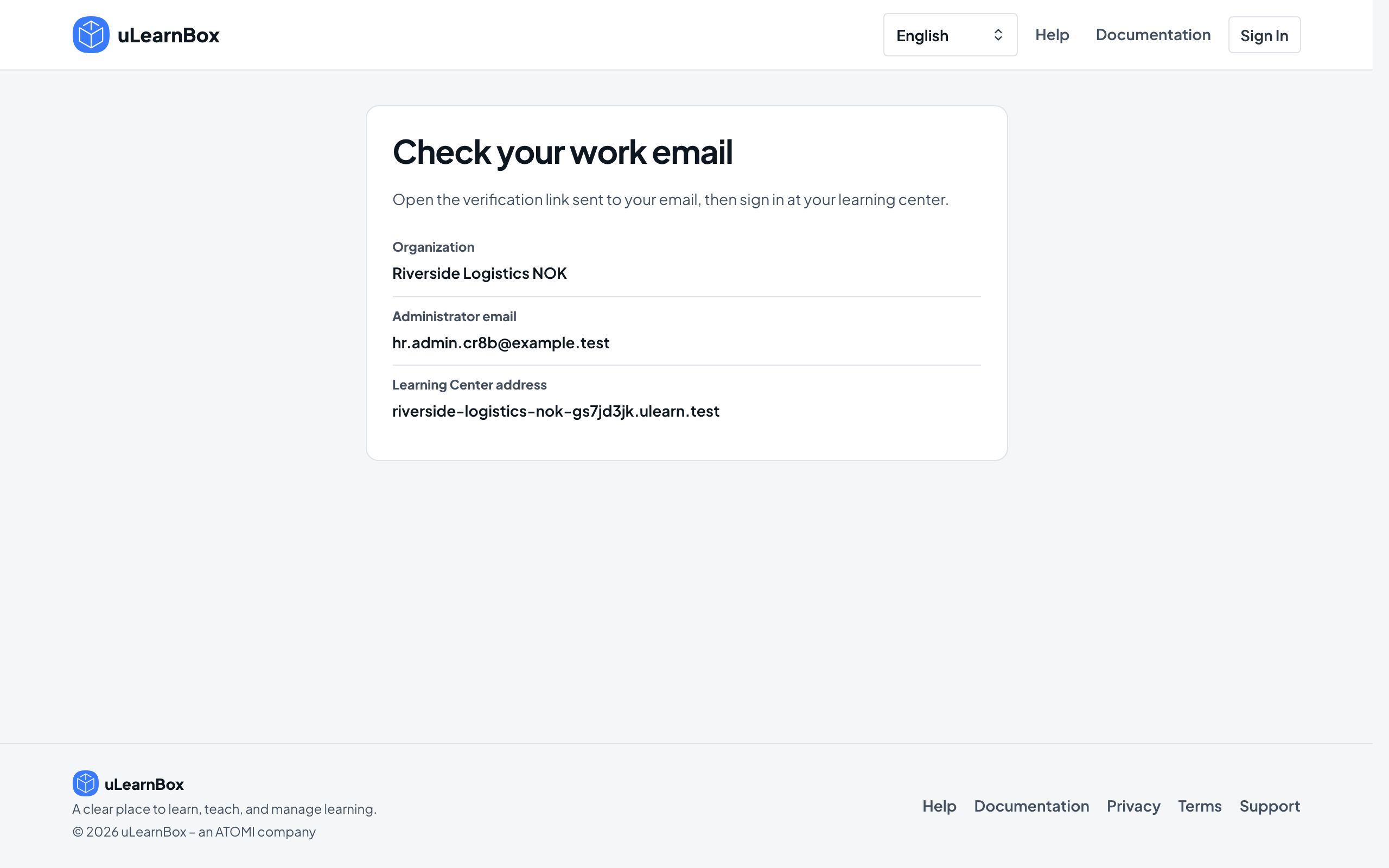
The Check your work email page shows your Organization, Administrator email and Learning Center address. The address is created from your organization name, so keep a note of it.
- 4
Verify your email
Open the verification email and select Verify Email. Your learning center stays locked until the page confirms that your email is verified.
- 5
Sign in at your learning center
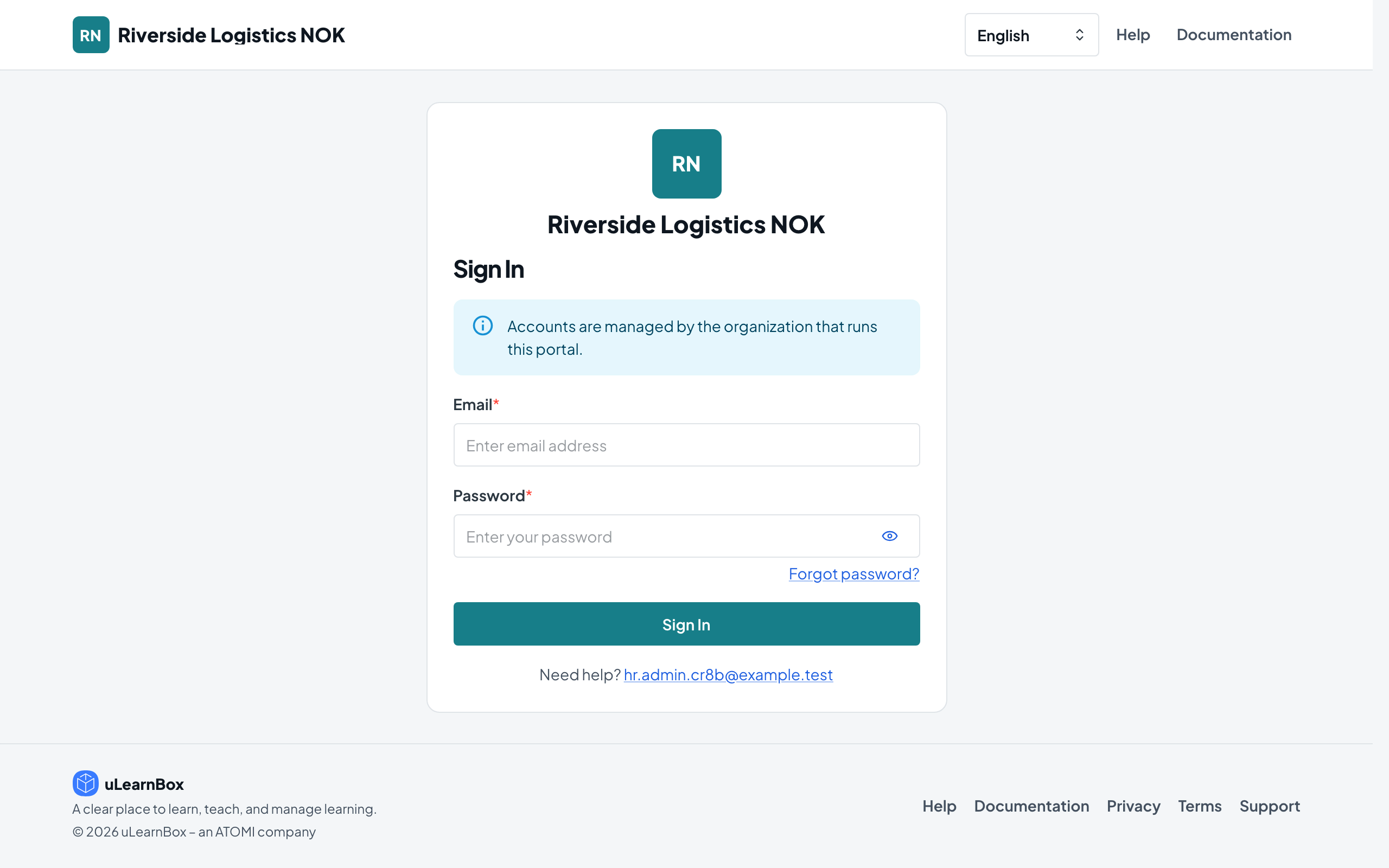
Open your Learning Center address and sign in with your work email and password. Your center’s management dashboard opens.